
Transform Multimodal Spatial Captures Into Actionable Behavioral and Cognitive Insights
Enabling multimodal capture in immersive simulations to generate behavioral and cognitive insights at individual and group levels
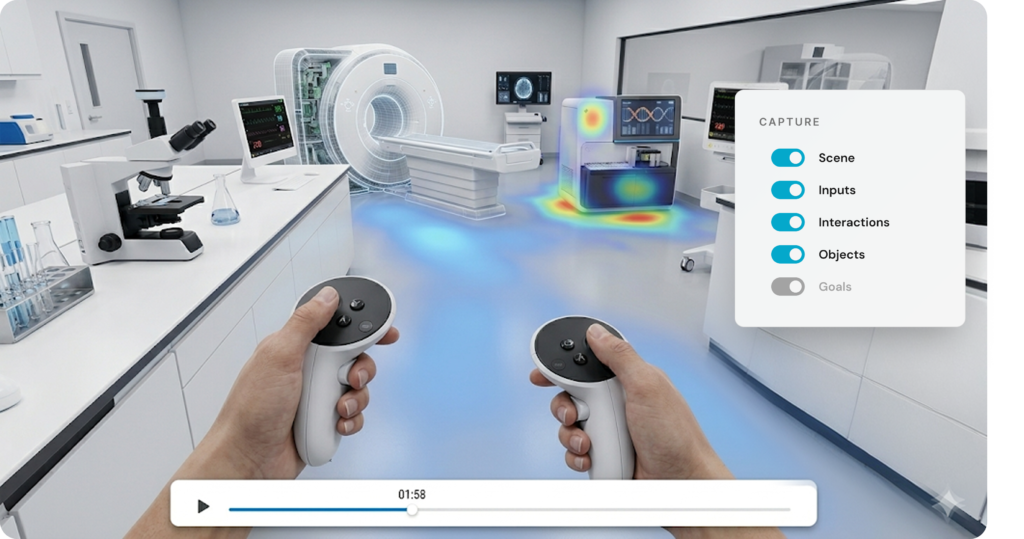
Multimodal Behavioral Capture
Eliminate manual data entry and coding. Capture every critical moment of the learner journey automatically.
Record Simulation Activity
Track what happens inside your XR simulations. HyperSkill captures scenes, sessions, objects, goals, and feedback without added complexity.
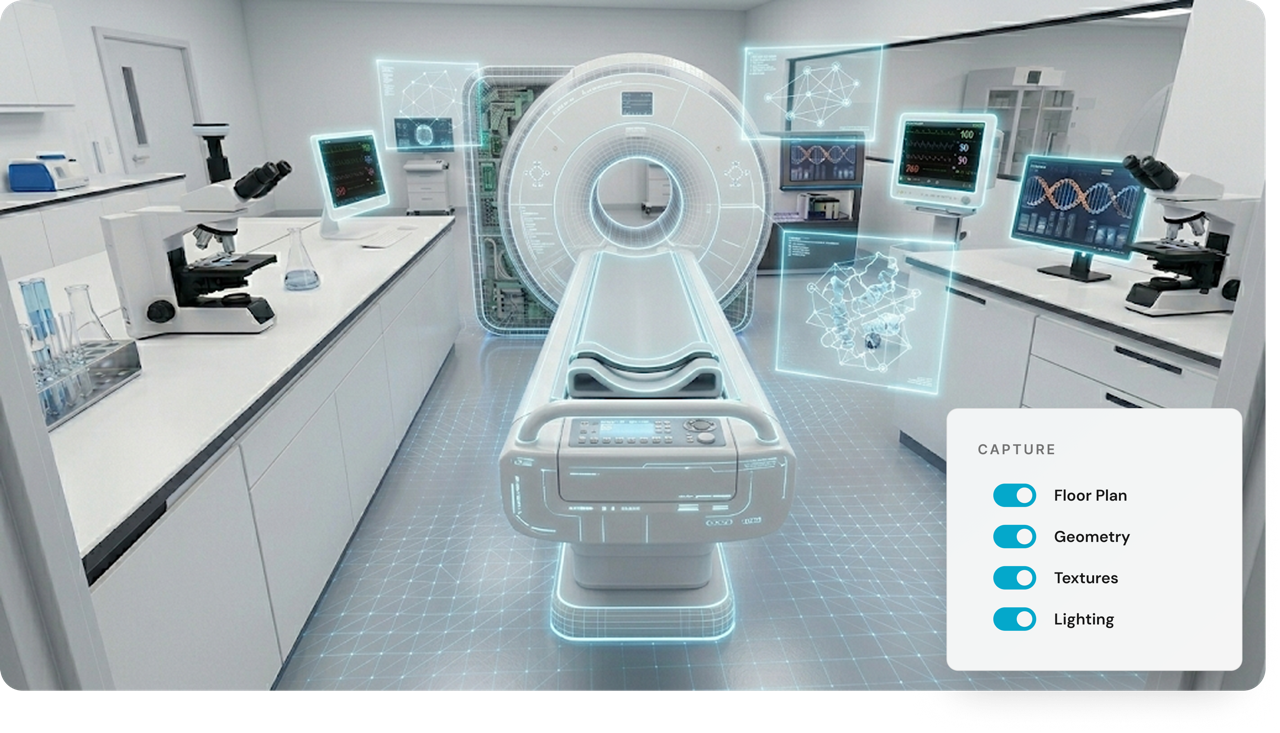
Capture Detailed Scenes
Preserve the full XR scene exactly as users experienced it. Store detailed geometry, textures, lighting, and layout as a 3D scene.
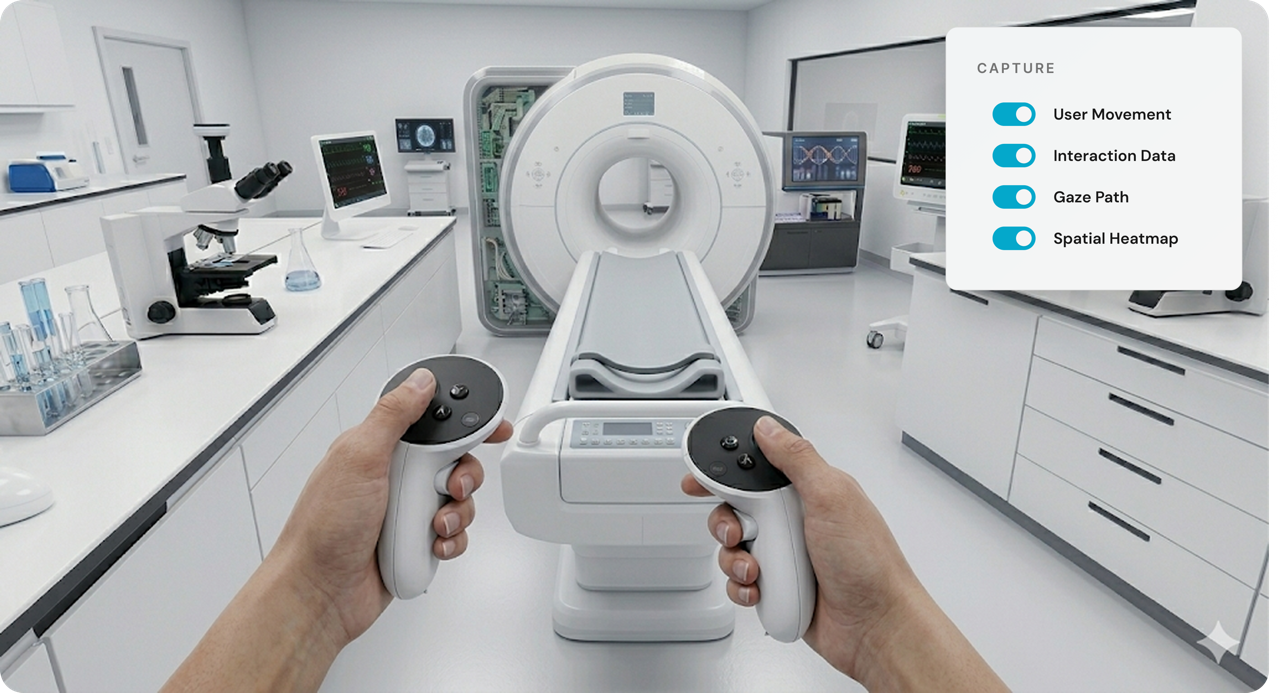
Record XR Sessions
Capture complete XR session data from start to finish. Record in real time how users move, explore, and interact within the space.
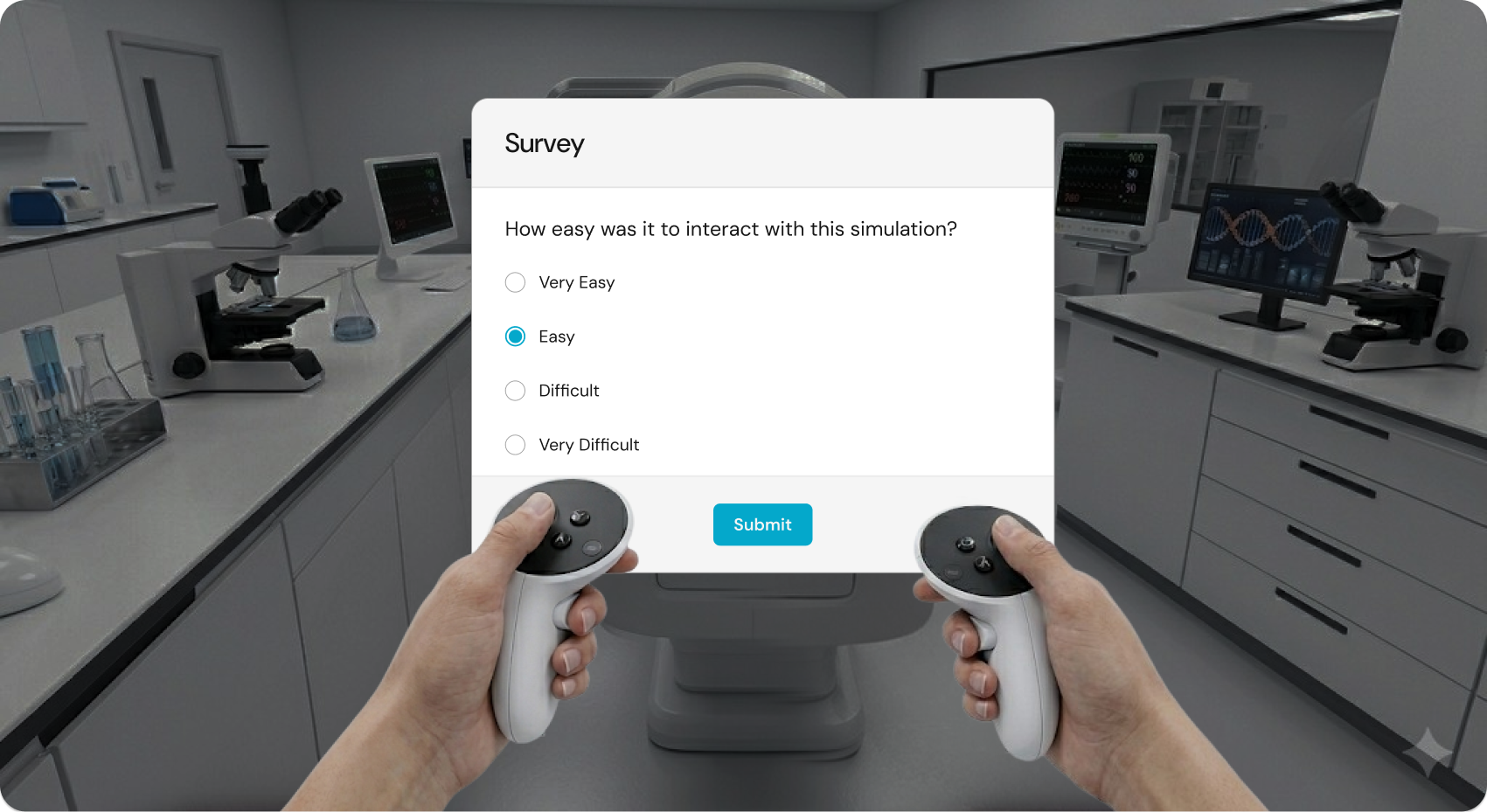
Collect Feedback in XR
Gather user feedback while the experience is fresh. Ask questions directly inside XR using multiple choice, scale, or voice responses.
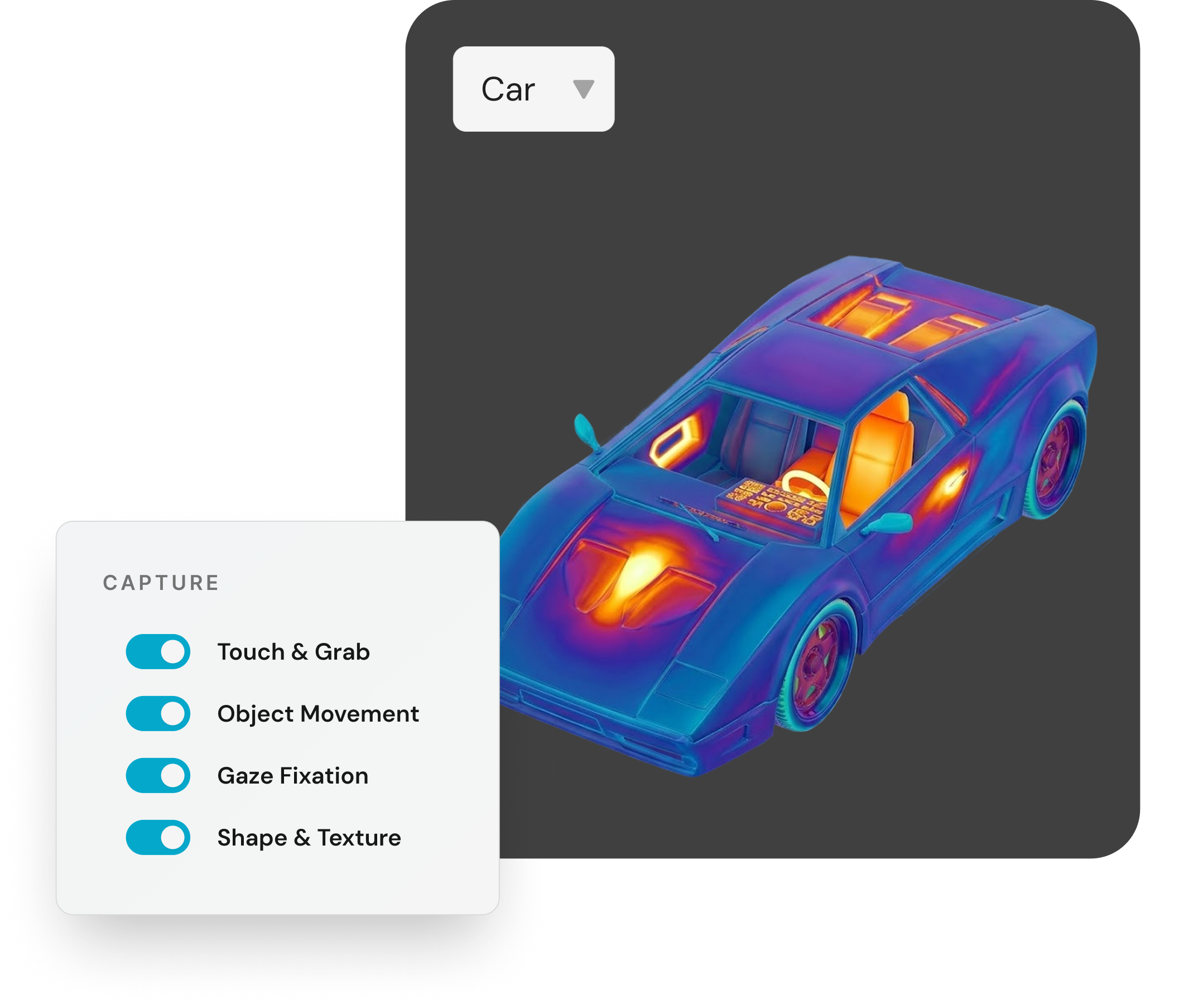
Track Object Engagement
Understand how users interact with objects in XR. Track how users touch, grab, move, and look at objects during sessions.
Monitor App Performance
Capture real-time performance data—framerate, CPU / GPU load, memory, and battery drain—and automatically tag crashes.
Record Where Users Look
Record exact eye movement and fixation using supported eye-tracking headsets. Reveal what draws attention and where users truly look.
Individual Behavioral & Cognitive Insights
Dive deep into the “Why” behind every user’s performance.
Review Detailed User Profiles
Review individual profiles with activity logs, session history, and replays. See key context such as total sessions and performance over time.
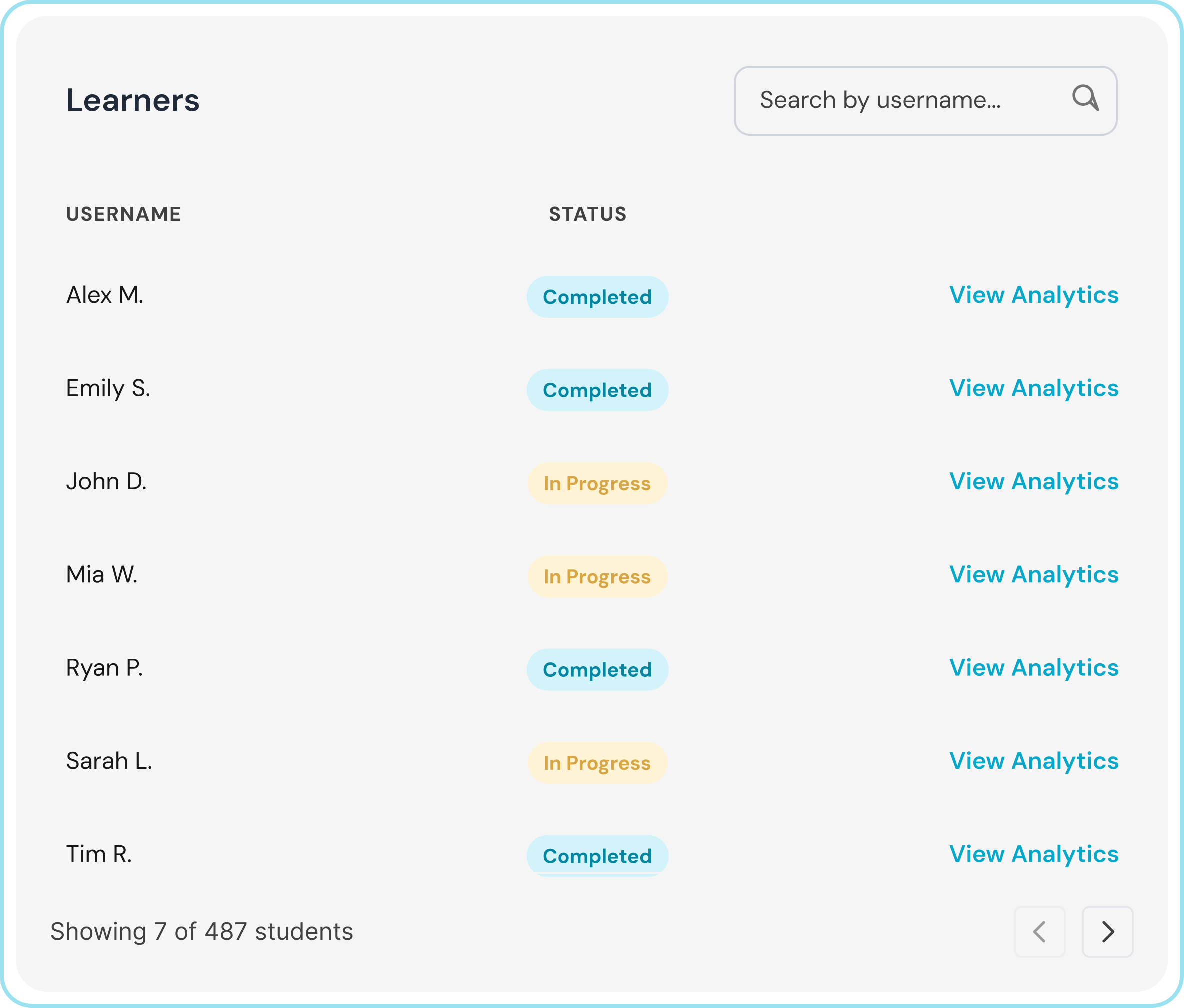
Over 135 million individual learner data tracked with HyperSkill
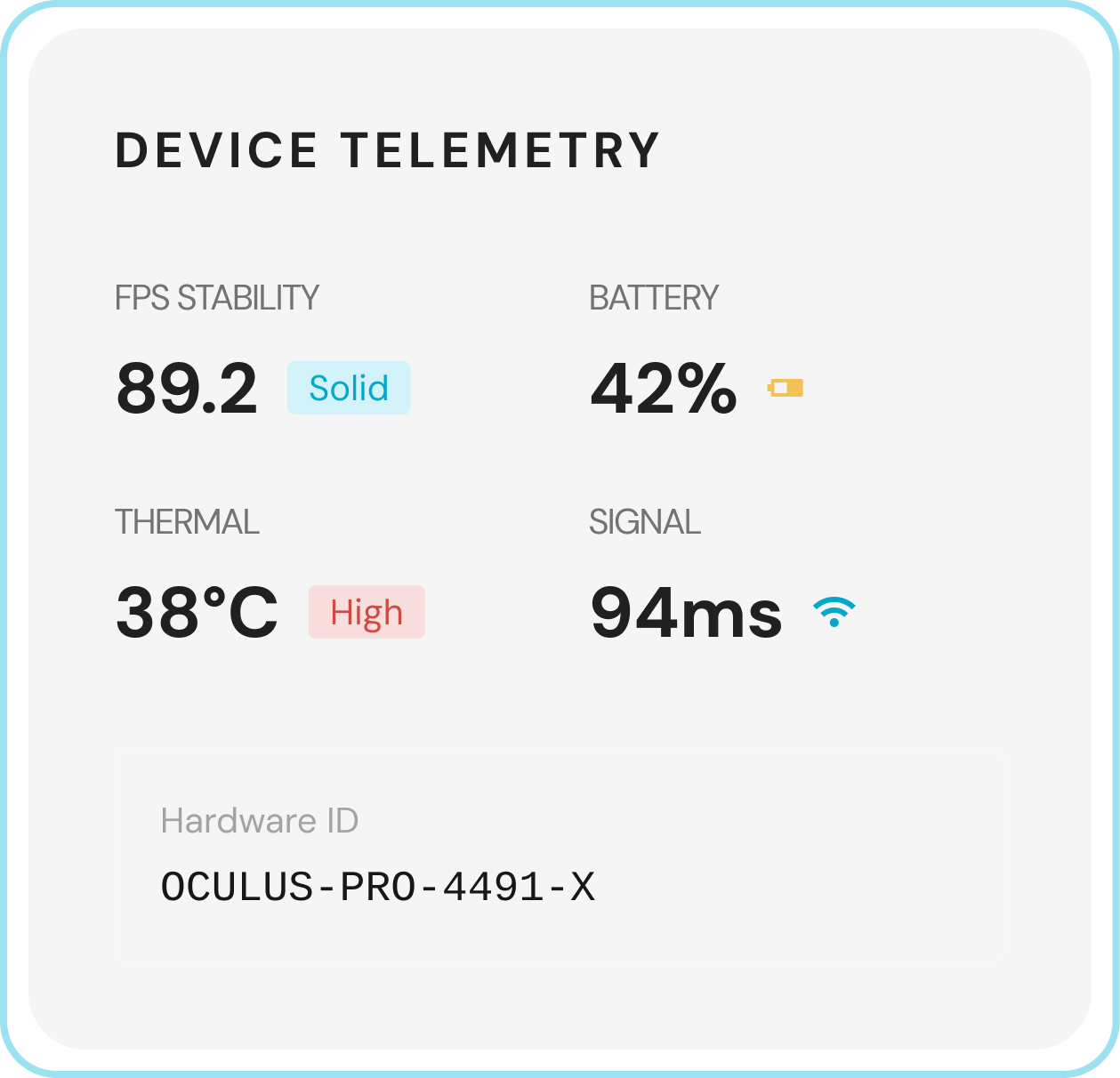
Analyze Session Details
See all session details in one place. Access complete session records with platform, device, goal, sensor, and feedback data.
Browse a Full User Directory
Find and manage learners at scale with complete individual participant records.
Explore Recorded Sessions
View a complete list of recorded sessions across users, scenes, or profiles with key details.
Evaluate Individual Performance
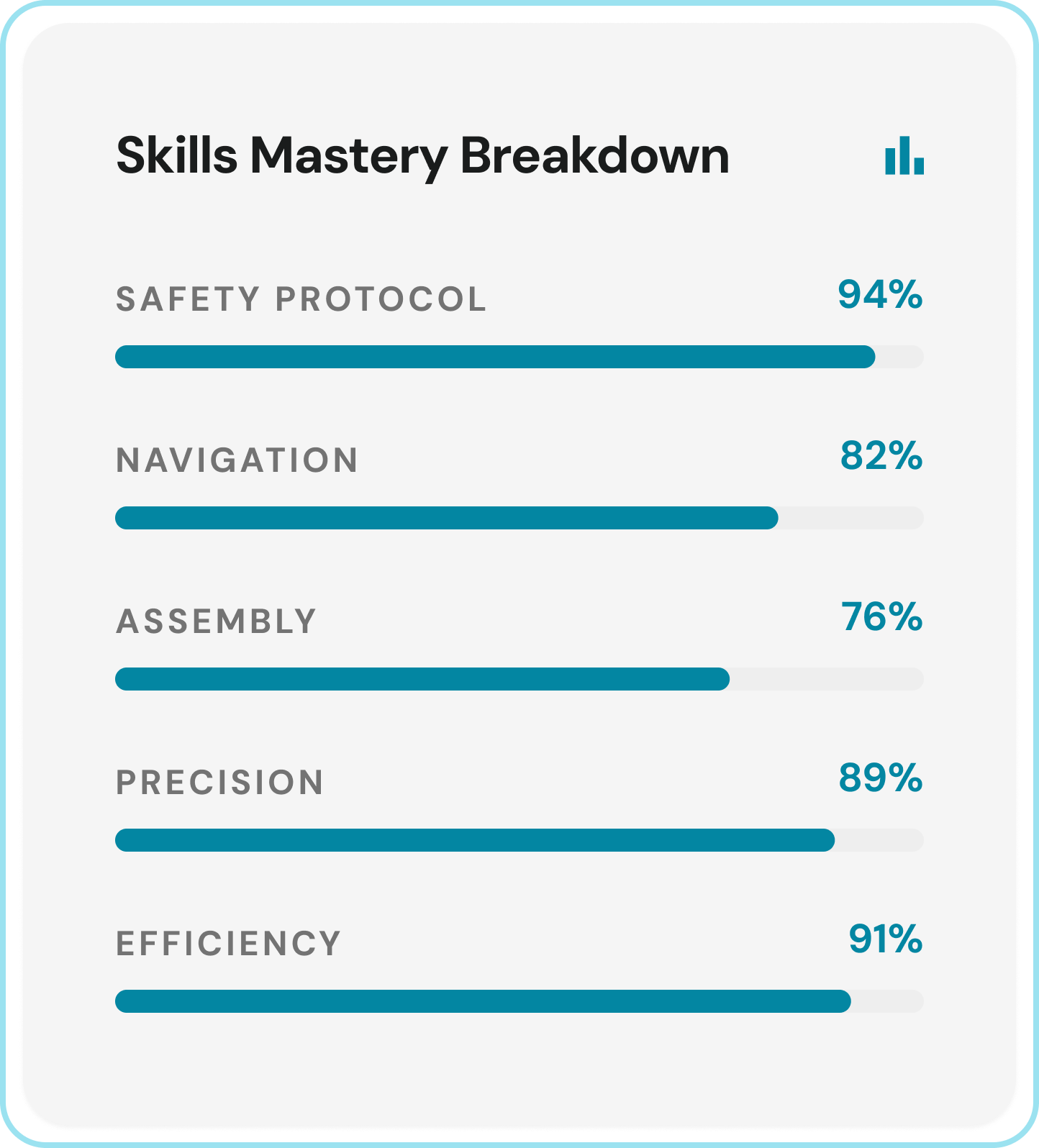
Analyze individual completion rates, missed steps, and breakdowns across linear or non-linear task flows.
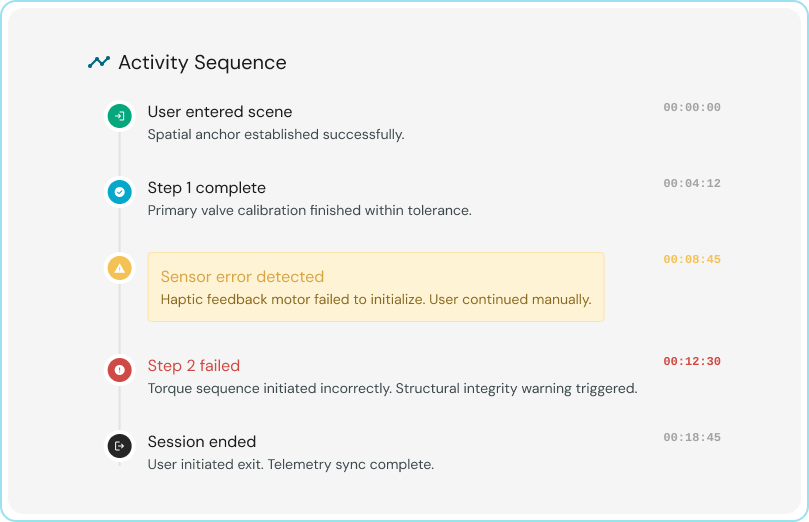
Review a Timeline of Activity
Review a clear timeline of events and actions for each learner and session.
Collective Behavioral & Cognitive Insights
Identify patterns across thousands of individuals and sessions to refine your training and design.
Monitor Trends & Mastery
Track learner performance, skills mastery, and completion across groups and sessions, all at a glance.
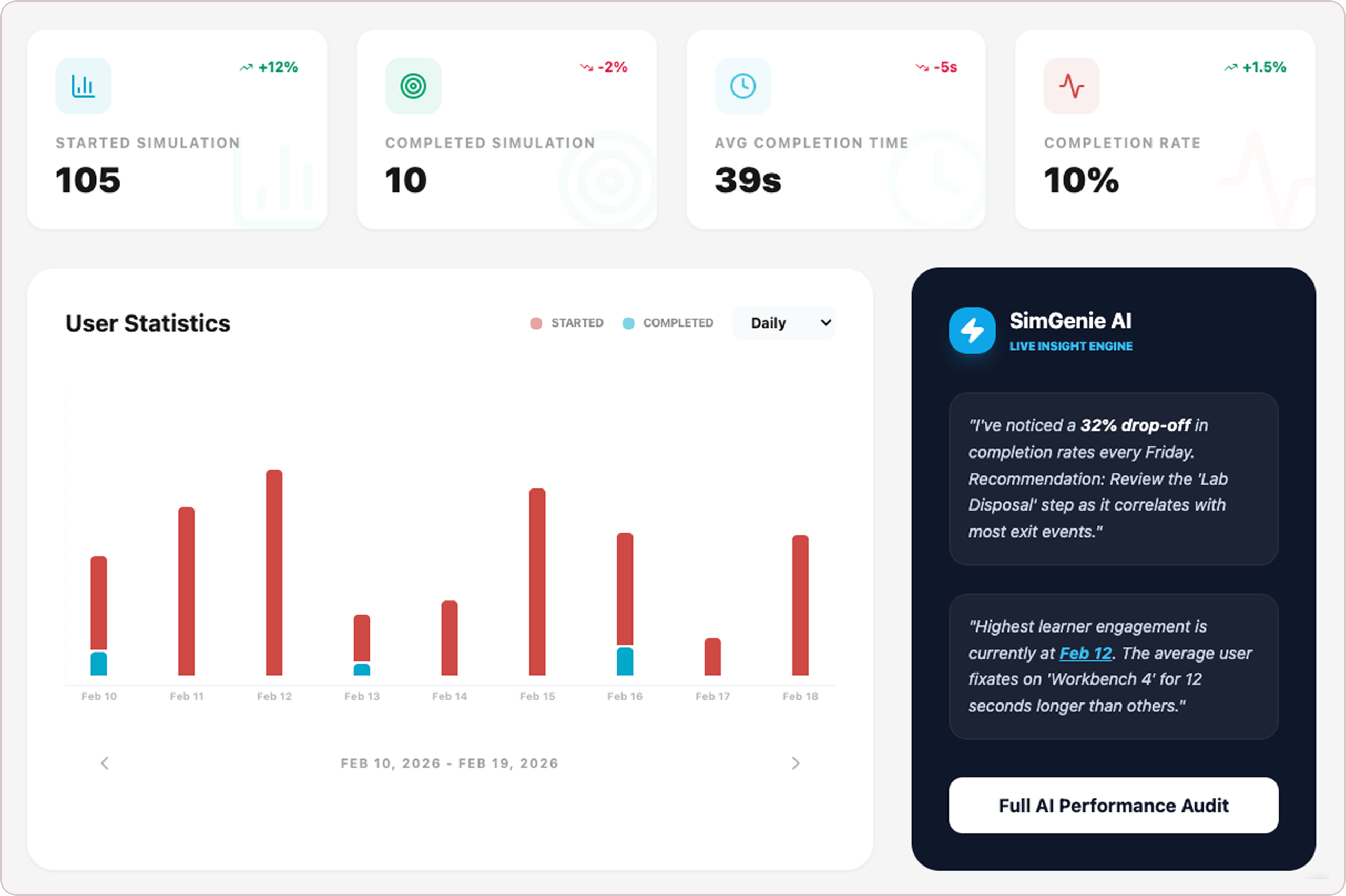
View Top-Level Metrics
Track key signals like total sessions, time, and session length in one place. Spot trends fast across scenarios and users.
Create Custom Dashboards
Build custom views with charts, graphs, and datasets. Filter by date and attributes to surface insights for teams or AI.
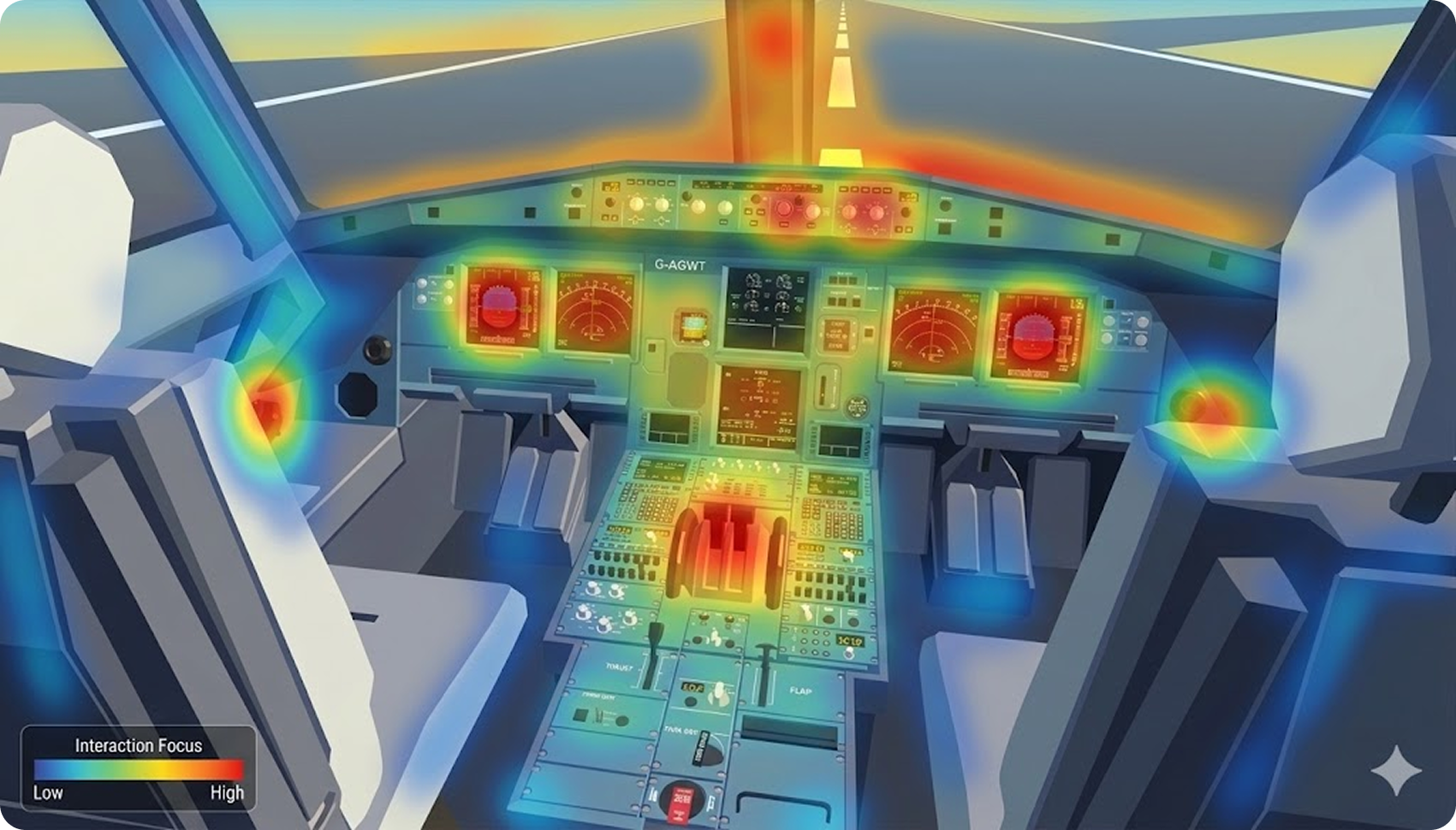
Visualize Where Users Focus
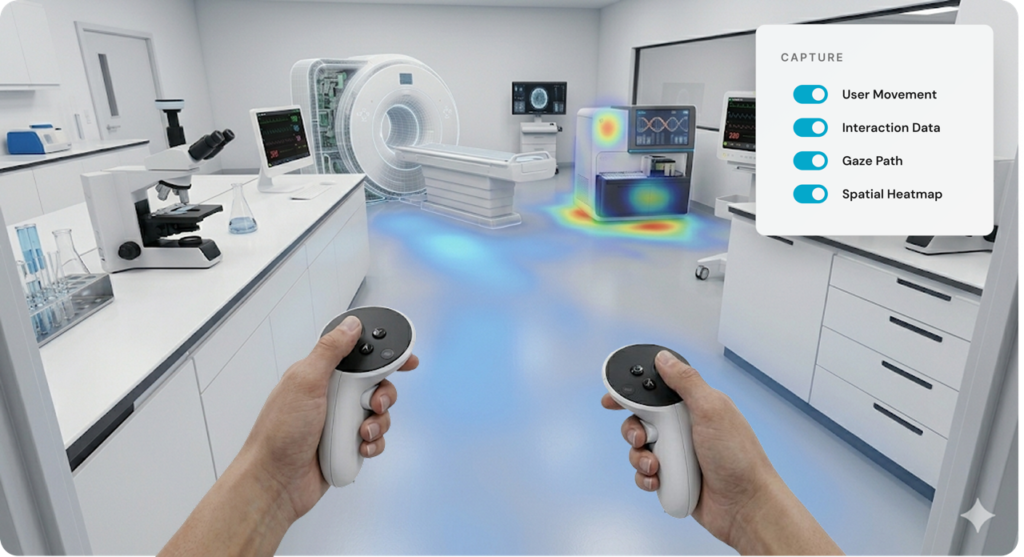
Visualize gaze patterns with 3D heatmaps and fixation data across sessions to identify shared focus zones and overlooked areas.
See How Users Navigate
Compare movement patterns across sessions to see where users start, pause, crash, and spend time.
Discover How Objects Are Used
Compare interactions and fixation data across users and sessions to see what draws attention or train AI models.
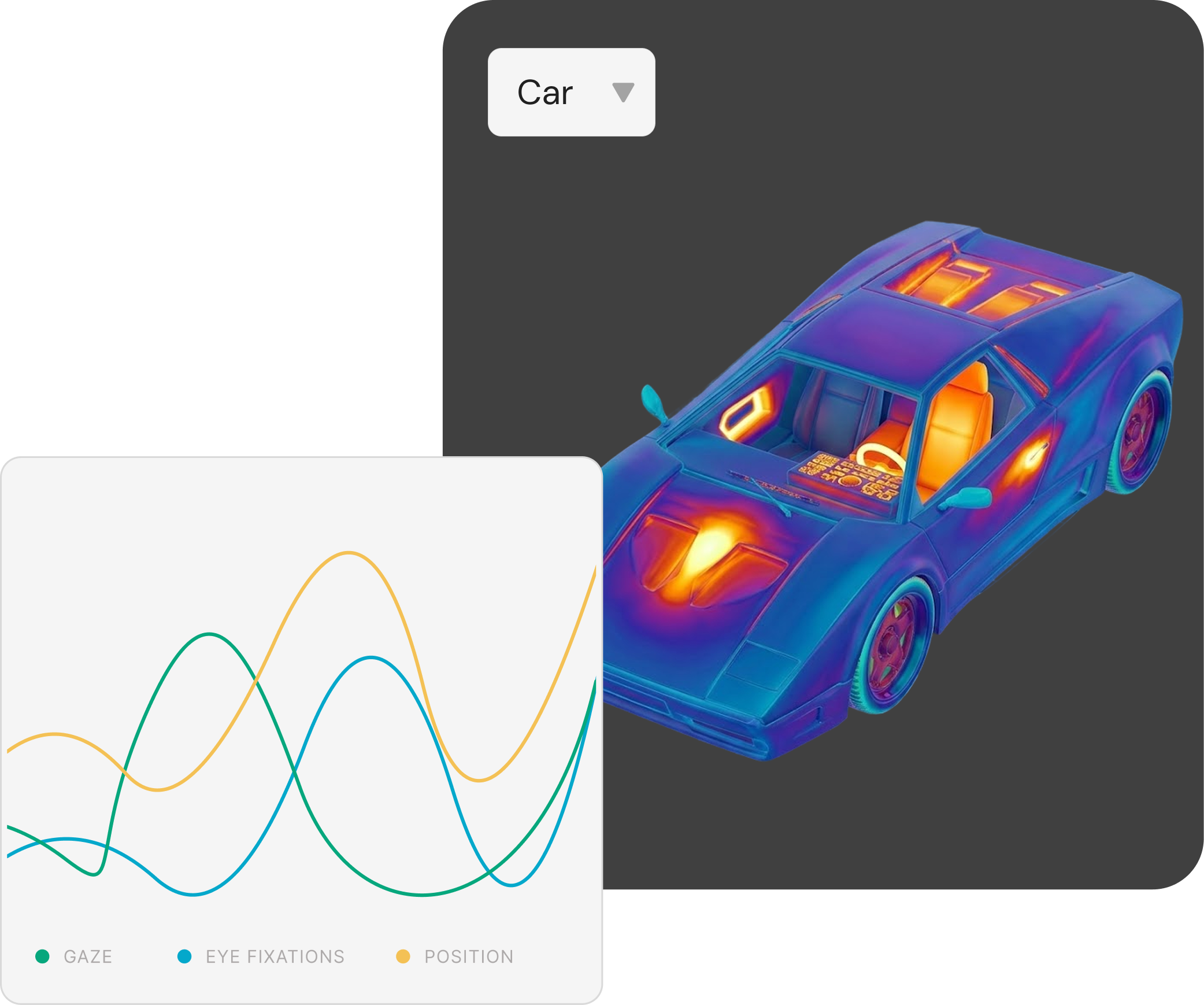
Over 400 thousand simulation sessions tracked using HyperSkill
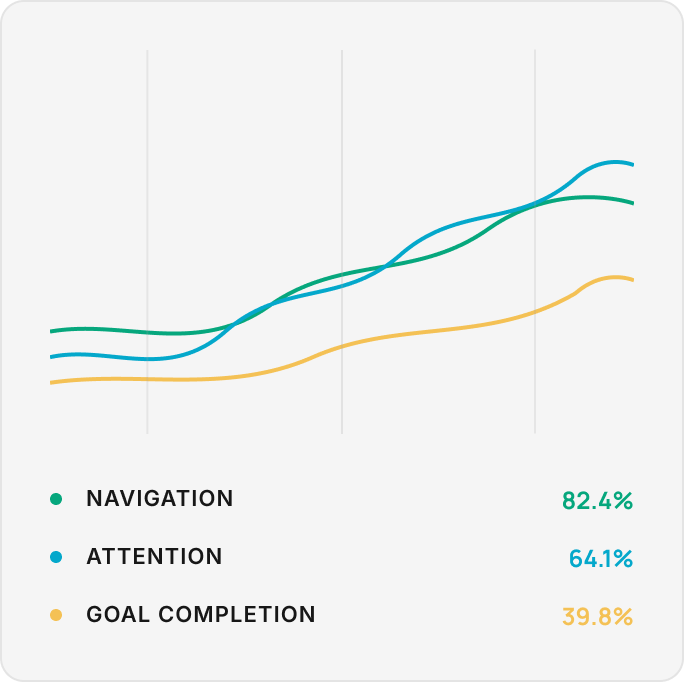
Compare Session Behaviors
Visualize navigation, attention, and goals across sessions to uncover common behaviors and engagement trends.
Evaluate Comfort & Immersion
Identify physical strain through posture, motion intensity, and body orientation. Evaluate immersion by tracking boundary hits, movement coverage, and in-scene engagement.
Analyze Goals Performance
Reveal how users perform at scale. Analyze goal progress step-by-step to see completions, timing, and drop-offs. Compare results across users and tasks to refine simulation design.